Vibe Coding Security Risks: What Your AI Assistant Gets Wrong
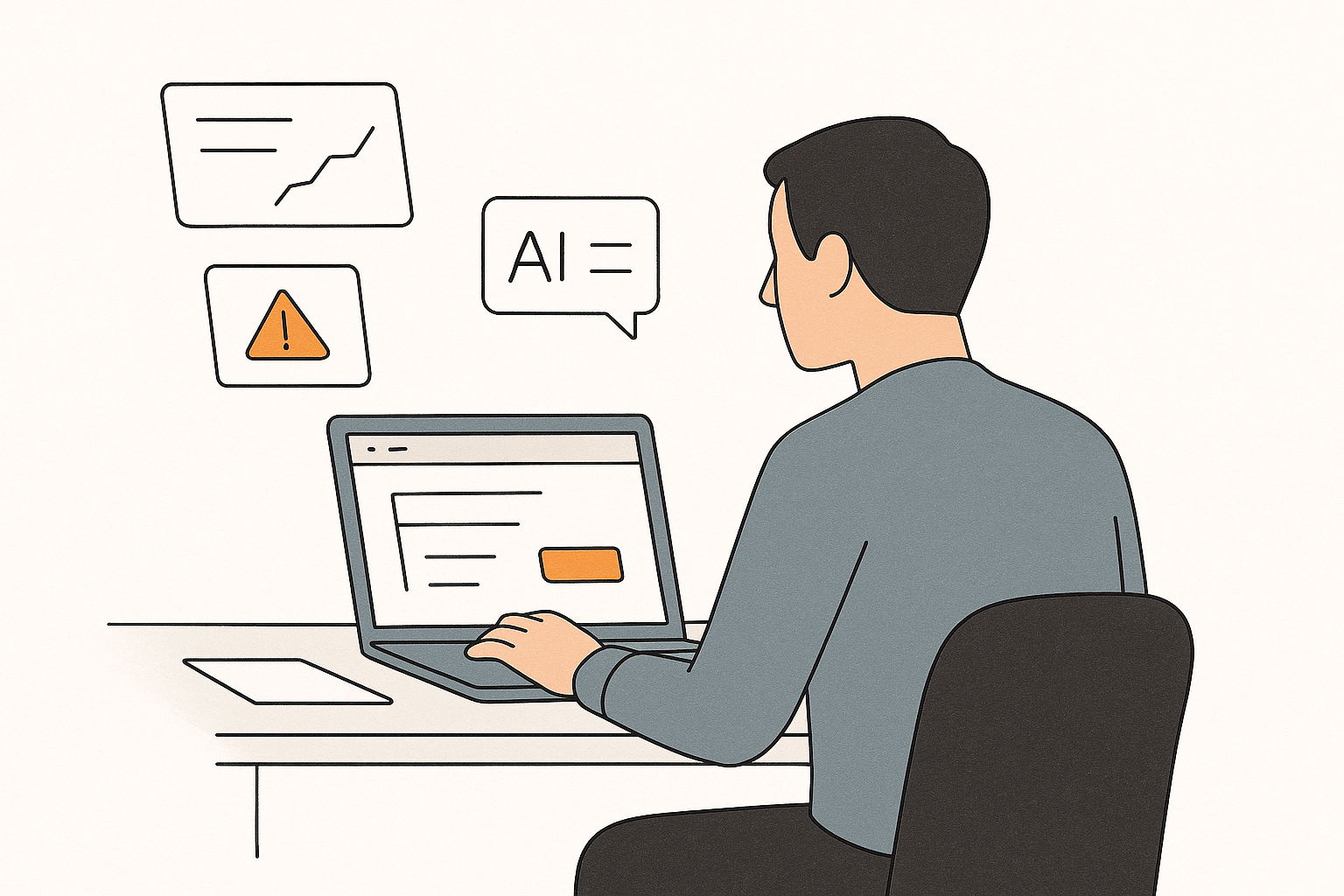
Vibe coding means building an app by prompting an AI assistant and shipping what it writes, with little or no review. That workflow is fast, but it ships security flaws at scale: studies of AI-generated code repeatedly find that around 45% of it contains OWASP Top-10 vulnerabilities, and roughly one in five vibe-coded apps has serious vulnerabilities or misconfigurations on day one. The problem isn't that the assistant is broken — it's that it optimizes for code that runs, not code that's hard to break.
Contents
- What is vibe coding, exactly?
- Is vibe coding a security risk?
- Are vibe-coded apps secure?
- Why your assistant gets security wrong
- The six risks your assistant won't warn you about
- 1. Hardcoded secrets in the browser bundle
- 2. Missing access controls
- 3. No input validation
- 4. Hallucinated dependencies
- 5. Client-side authentication logic
- 6. Overly powerful shortcuts
- What to avoid when vibe coding
- The fix prompt to paste into your agent
- Are there downsides to vibe coding beyond security?
- Frequently asked questions
- Is vibe coding a risk to cybersecurity?
- Are vibe-coded apps secure?
- Are there downsides to vibe coding?
- What should you check before launching a vibe-coded app?
- Check your app the way a stranger would
- Sources
What is vibe coding, exactly?
Vibe coding is a style of building software where you describe what you want in plain language and let a large language model write, refine, and iterate on the code. The term was coined by Andrej Karpathy in a 2025 post, where he described "fully giving in to the vibes" and "forgetting that the code even exists."
What started as a way to throw together weekend projects has moved into production. By late 2025, AI-generated code made up about 22% of all merged code, and reports estimated that 46% of code written on GitHub was generated by Copilot. When a solo founder ships a SaaS with Cursor, Claude Code, Lovable, or Bolt, most of what reaches production was never typed by a human.
The catch is that the same tools that make you fast also make your mistakes faster. One analysis of real-world codebases found that AI-assisted teams shipped code four times faster — and shipped ten times as many security flaws.
Is vibe coding a security risk?
Yes. The numbers are consistent across independent studies, and they point the same direction:
- A December 2025 study found that AI-generated code introduced security vulnerabilities in 45% of development tasks, and AI-assisted pull requests produced 2.74 times more security issues than human-authored code.
- A Veracode study found that leading models now compile successfully 90% of the time, but 45% of the output still contains classic OWASP Top-10 vulnerabilities.
- A Wiz study found that 20% of vibe-coded apps have serious vulnerabilities or configuration errors.
- GitGuardian's 2026 report found that Claude Code-assisted commits exposed secrets more than twice as often as human-only commits, and hardcoded secrets in public GitHub commits grew 34% year over year in 2025 — the largest single-year jump on record.
None of these are about exotic attacks. They are about the boring, well-understood mistakes that a careful reviewer catches in minutes: a key pasted into the wrong file, a query with no access check, a dependency that doesn't exist.
Are vibe-coded apps secure?
By default, no. The pattern in almost every case study is the same: the app works, it launches, and the leaks are found afterward.
Take Enrichlead, a startup whose founder announced that 100% of its platform was written by Cursor with "zero hand-written code." Days after launch it was full of beginner-level flaws — anyone could access paid features or alter data — and the project was shut down.
You don't need to be a startup to get hit. Football Australia left AWS access keys in its website's source code for over 700 days. GitGuardian's research found that 64% of exposed credentials validated as real in 2022 were still exposed and unrevoked as of January 2026. The issue isn't only that secrets leak — it's that nobody goes back to revoke them after the fact.
Why your assistant gets security wrong
It's worth understanding this, because it explains why "just use a better model" never fully fixes the problem.
AI coding models are trained on public code, and a lot of public code is insecure. Their benchmarks also reward the wrong thing: whether the output compiles, runs, and passes a test — not whether it's hard to break. Given a choice between a short answer and a safe answer, the model takes the short one.
The result is that the assistant reproduces the same classes of mistakes over and over, at machine speed. Security researchers scanning AI output against the MITRE CWE Top 25 list repeatedly find the same issues: code injection, OS command injection, integer overflow, missing authentication, and unrestricted file upload.
The six risks your assistant won't warn you about
Here is where vibe coding actually goes wrong, and why the assistant rarely flags it.
1. Hardcoded secrets in the browser bundle
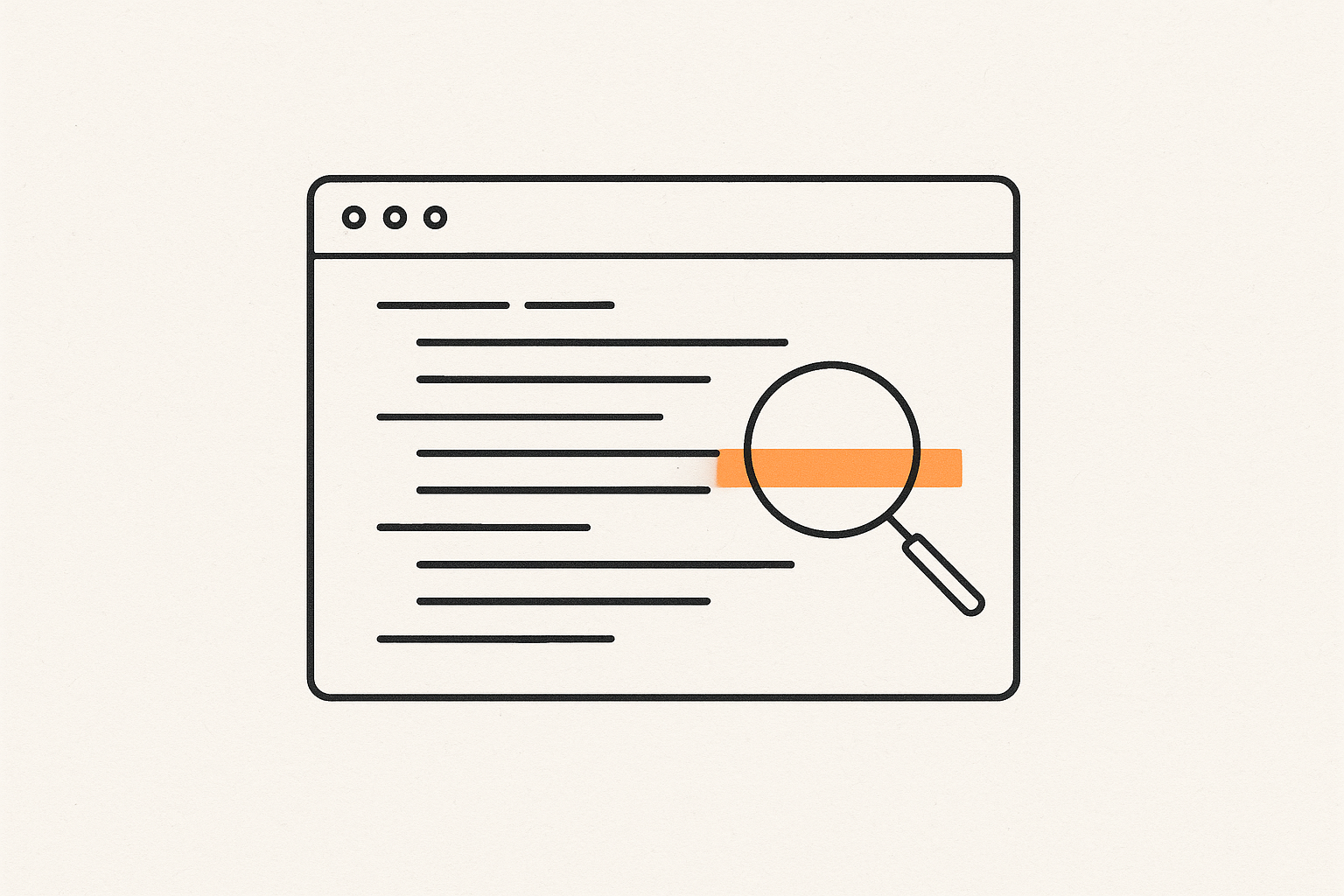
The most common flaw is the simplest: an API key pasted directly into front-end code. The assistant doesn't know your key is secret — it just places it where the code needs it, and now anyone who opens DevTools can read it.
This is why the Supabase service role key must never appear in client code. It bypasses every security policy on your database. By contrast, the Supabase anon key is safe to expose in the browser — but only because it is not a secret. If you don't understand the difference, you will paste the wrong one.
2. Missing access controls
AI assistants write queries that "work," and "works" usually means "returns the row the user asked for" — not "returns only the rows the user is allowed to see." That's how you get IDOR: change an ID in the URL and read someone else's record.
On Supabase, the fix is row-level security, or RLS, which enforces access rules inside the database itself. RLS is off by default, and no amount of careful front-end code makes up for it being off. If you've built a Lovable app that connects to Supabase, this is the gap to check first.
3. No input validation
Generated code often skips the boring checks: it takes user input and hands it straight to a query, a template, or a file path. That is how SQL injection and cross-site scripting (XSS) creep in. The most common weakness categories found in AI-generated code include code injection, OS command injection, and unrestricted file upload.
4. Hallucinated dependencies
Your assistant will happily import a library that doesn't exist. It writes the import line first and worries about whether the package is real later. Attackers have turned this into a business: register the plausible package name the model keeps inventing, and your app now installs their code. Researchers call this slopsquatting. In late 2025, the Shai-Hulud worm compromised the npm registry's supply chain, and almost 60% of the machines it hit were CI/CD runners — the very systems meant to catch bad code.
5. Client-side authentication logic
Another classic: the assistant implements the "is this user an admin?" check in JavaScript, in the browser. Anyone can open DevTools, flip the variable, and get in. Authentication and authorization checks belong on the server or in the database — never in code the user can edit.
6. Overly powerful shortcuts
Models optimize for the shortest path. For a calculator or formula feature, that is often eval() on user input, which opens the door to arbitrary code execution. The shortest answer is frequently the most dangerous one.
There is one more risk that only applies if your app itself uses AI features: prompt injection. If your app sends user-supplied text — a scraped page, a PDF, a support message — into a model, an attacker can hide instructions in that text that hijack the model's behavior. Treat anything your app reads from the outside as untrusted input, not just the code.
What to avoid when vibe coding
Keep these out of your generated code, and you'll close most of the risk in one pass:
- Never let a secret key, token, or password appear in front-end code or a public repository.
- Don't rely on client-side checks for anything that matters: auth, permissions, pricing, or feature flags.
- Don't import a dependency you haven't verified on npm or GitHub.
- Don't ship a Supabase project with RLS disabled, and don't trust the front end to enforce who sees what.
- Don't paste user input into queries, templates, shell commands, or
eval(). - Don't expose your
.envfile or source maps on the public URL.
The fix prompt to paste into your agent
You don't have to rewrite the code by hand. Hand your agent a precise, scoped prompt and let it do the pass — then verify the result. This one covers the most common gaps in a single sweep:
Audit this codebase for security issues before launch, and fix what you find.

1. Remove any secret — API keys, tokens, passwords, service_role keys — from
   front-end code and public files. Move them to server-side environment variables.
2. Verify every imported dependency exists on npm and is the latest stable
   version. Replace or remove any package you cannot verify.
3. Confirm every Supabase table has row-level security enabled, with policies
   that let each user read and write only their own rows.
4. Move all authentication and authorization checks to the server or database.
   Remove any permission check that runs only in the browser.
5. Sanitize and validate all user input, and use parameterized queries everywhere.
6. Make sure .env files and source maps are not reachable from the public URL.

Then check that no secret string appears in the built client bundle and that
every table has at least one RLS policy.
If you'd rather not trust the agent to grade its own homework, that's the whole point of an external scanner. Rustine's MCP server can run the scan and apply the fix inside Cursor or Claude Code, so the same assistant that wrote the code is held to an independent check.
Are there downsides to vibe coding beyond security?
Yes. Beyond leaks, vibe coding erodes auditability. When code arrives in minutes with no review, it gets harder to explain what a dependency does, why a configuration looks the way it does, and whether a compliance rule was followed. For a freelance developer or agency handing a site to a client, that audit trail matters as much as the vulnerability count.
The honest answer isn't "stop vibe coding." It's "review before you ship." Treat AI output the way you'd treat code a stranger sent you, and run the same checks.
Frequently asked questions
Is vibe coding a risk to cybersecurity?
Yes. It moves vulnerable code into production faster than review processes can absorb it. AI-assisted teams have been measured shipping ten times more security flaws than their peers, and about 45% of AI-generated code contains OWASP Top-10 vulnerabilities.
Are vibe-coded apps secure?
Not by default. Around 20% of vibe-coded apps have serious vulnerabilities or configuration errors, and the most common causes — exposed secrets, missing access controls, hallucinated dependencies — are exactly the things no one reviews when the app "just works."
Are there downsides to vibe coding?
The main downsides are unreviewed vulnerabilities, hallucinated dependencies, and a weaker audit trail. The productivity gain is real; the risk is shipping it without an independent check.
What should you check before launching a vibe-coded app?
Run through the essentials: no secrets in the client bundle, RLS on every table, server-side auth, verified dependencies, and input validation everywhere. A Supabase security checklist turns this into a repeatable pass you can run the day before launch.
Check your app the way a stranger would
You don't have to read every line your assistant writes. You need a second pair of eyes that looks at your app the way an attacker would — and shows you what leaks, with the proof. Rustine scans your site the way a stranger would, surfaces what's exposed, and hands you the fix to paste back into Cursor, Claude Code, or Lovable. Run a free scan, or connect the Rustine MCP server and let your agent scan and patch by itself.