Supabase Security Checklist: 10 Checks Before You Launch
Contents
- 1. Enable Row Level Security on every table
- 2. Keep the service_role key out of the browser
- 3. Use the anon key the right way
- 4. Lock down Auth before you open signups
- 5. Store secrets in Vault, not in source
- 6. Make Storage buckets private by default
- 7. Restrict Realtime to what users should receive
- 8. Restrict network access and disable unused APIs
- 9. Turn on the Security Advisor and monitor
- 10. Understand what encryption covers, and what it doesn't
- Frequently asked questions
- Is Supabase secure and safe?
- Can I trust Supabase with production data?
- Is data in Supabase encrypted?
- What are the downsides of Supabase for security?
- Do I need to disable the Data API?
- Sources
Supabase is secure at the infrastructure level. Your app is only as safe as the way you configure it. When a Supabase project leaks data, the cause is almost always one of three mistakes: Row Level Security (RLS) left off a table, a service_role key shipped in the browser, or auth and storage left open by default. This checklist covers those three and the seven other checks worth running before you launch.
Supabase runs a shared responsibility model. Supabase secures the cloud, the Postgres instance, and the platform around it. You are responsible for your tables, your access policies, your keys, and your client code. That split is good news, because every item on this list is something you can fix in an afternoon.
Here is the full list: (1) enable RLS everywhere, (2) keep service_role out of the browser, (3) use the anon key correctly, (4) lock down Auth, (5) put secrets in Vault, (6) make Storage buckets private, (7) restrict Realtime, (8) close unused network paths, (9) turn on the Security Advisor, and (10) know what encryption does and does not cover.
1. Enable Row Level Security on every table
RLS is a Postgres feature that filters rows on every query, using the signed-in user's JWT to decide what they may see. It is the single control that turns an exposed table into a safe one. When you create a table in the Supabase dashboard, RLS starts disabled, and the table shows a red "RLS disabled" warning. A table with RLS off and grants to the anon or authenticated roles is queryable by anyone who reaches your project URL.
Think of the anon and authenticated roles as two doors into your data. RLS is the bouncer that checks the JWT at each door. With RLS off, the doors are open. With RLS on but no policies, the doors are closed to everyone, including your own app, which is why Supabase nudges you to write policies immediately after enabling RLS.
The fix is two steps: enable RLS, then write a policy. A policy is a SQL rule that states who can read or write which rows.
alter table public.profiles enable row level security;

create policy "Users read their own profile"
  on public.profiles
  for select
  using (auth.uid() = user_id);

create policy "Users update their own profile"
  on public.profiles
  for update
  using (auth.uid() = user_id);
A policy that ends in using (true) is the same as no policy at all, so read every policy you paste in with the same suspicion you'd apply to generated code. Here is a prompt you can drop into Cursor or Claude Code to do the whole pass:
In this Supabase project, enable Row Level Security on every table in the `public` schema. Add the minimal policies so a signed-in user can only read and update rows where `auth.uid()` matches their own `user_id`, and only insert rows where `user_id` is set to their own id. Do not grant blanket select to the `anon` role. Then check that no table in the dashboard still shows "RLS disabled" and that a `select * from <table>` using only the anon key returns no rows without a user session.
For copy-pasteable policy patterns and the common mistakes AI-generated schemas make, see our guide on Supabase RLS for AI-coded apps.
2. Keep the service_role key out of the browser
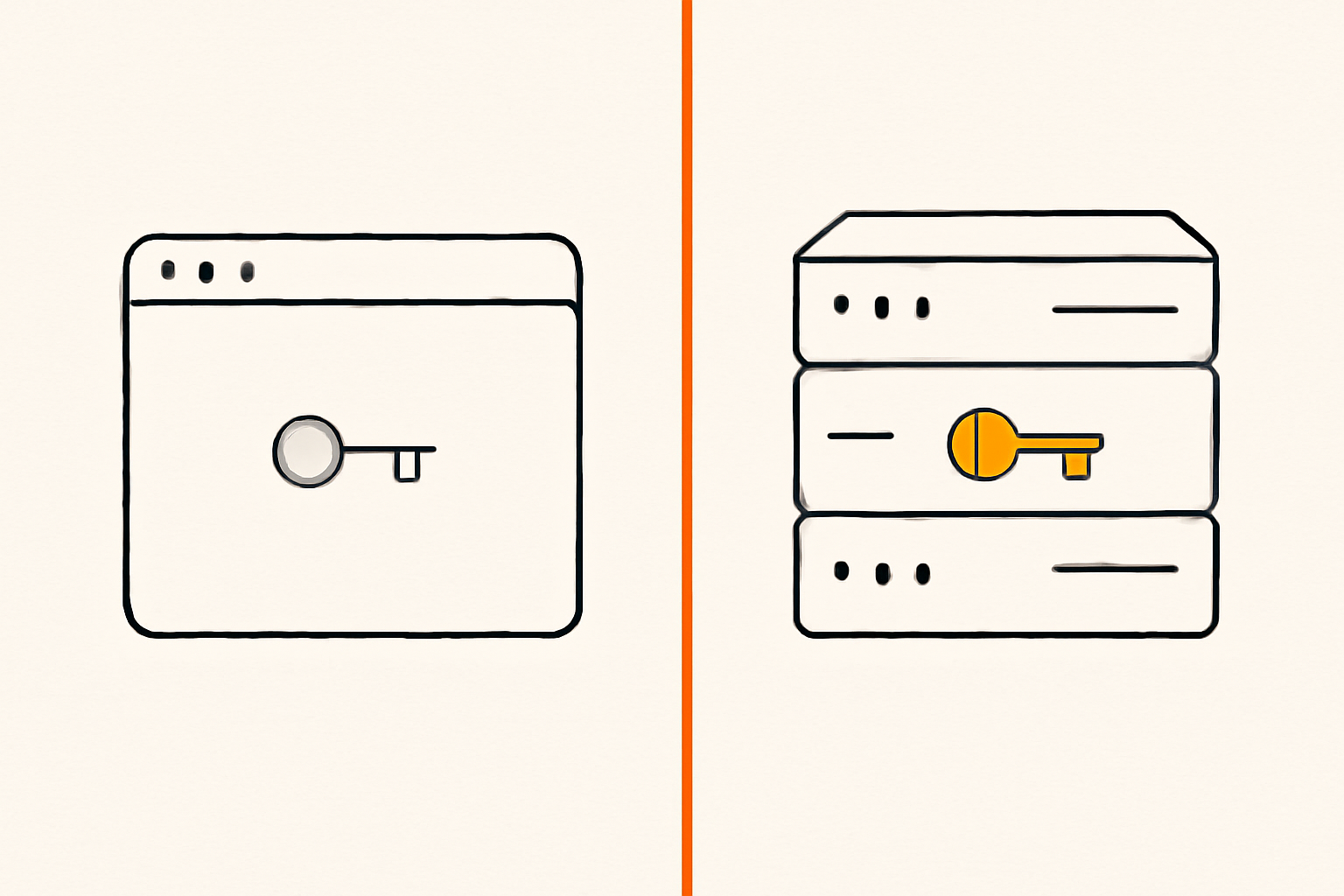
The service_role key is the master key. It bypasses RLS entirely, so a request made with it reads and writes every row in every table. It must never appear in client code, in a browser bundle, in a .env file committed to Git, or in a public repository.
The moment a service_role key ships to the frontend, RLS stops mattering. Anyone who reads the key from your JavaScript can query the whole database directly, because the key tells Postgres to skip the row checks.
The fix is to use service_role only server-side, inside Edge Functions, background workers, or your own backend. Import it as a sensitive environment variable, never as a hardcoded string. If you need to compare the two keys side by side, read which Supabase key you can expose.
Search the entire codebase for the Supabase `service_role` key and remove it from every client-side file. Move any operation that needs it into a Supabase Edge Function that reads the key from `SUPABASE_SERVICE_ROLE_KEY` in the function's secrets. Then check that `grep -r "service_role" src/` returns nothing and that the key no longer appears in any built JavaScript bundle.
I go into exactly where this key can and cannot live in Where the service role key must never appear.
3. Use the anon key the right way
The anon key — newer Supabase projects call it the publishable key — is designed to ship in the browser. It is not a secret. It identifies your project but grants nothing by itself; what it can access is decided entirely by your RLS policies and role grants.
That means the anon key is safe to expose only while RLS is on and your policies are tight. If a table has RLS off, the anon key becomes a read and write key for that table. Treat every table the anon key can reach as publicly reachable, because it is.
The fix is not to hide the anon key. It is to make the data behind it safe to read. The full explanation is in Is the Supabase anon key safe to expose in the browser?.
4. Lock down Auth before you open signups
Supabase Auth is where many leaks start. An attacker signs up for a free account, gets a valid JWT, and starts probing the API. Two settings do most of the work to close that path.
Turn off open signups if you don't need them. If your app is invite-only, disable "Allow new users to sign up" under Authentication → Providers → Email. No new accounts means no uninvited JWTs walking in.
Require email confirmation. Without it, anyone can register with a typo — or someone else's — address and get an immediate session. Requiring confirmation means the attacker has to own the mailbox first.
Then review the settings most apps forget: your Site URL and redirect allowlist, multi-factor authentication (MFA) for the accounts that hold real data, and a password policy that matches your risk.
In the Supabase dashboard under Authentication, disable open email sign-ups if this app is invite-only, enable "Confirm email" for email sign-ups, and turn on MFA for all users. Then check that a new sign-up receives a confirmation email and cannot read authenticated data until the email is confirmed.
5. Store secrets in Vault, not in source
Stripe, OpenAI, Resend, and other third-party keys do not belong in your repository, in a committed .env, or hardcoded in an Edge Function. Supabase's Vault is a Postgres extension that stores secrets encrypted on disk using authenticated encryption, and reads them back through a SQL view.
select vault.create_secret('sk_live_...', 'stripe_secret_key', 'Live Stripe key');
Secrets stored this way stay encrypted in backups and replication streams. Read them from your functions through vault.decrypted_secrets instead of pasting the value into code. The encrypted row and the decrypted view are two different things, and only the view is meant to be consumed inside trusted SQL.
Move every API key and secret in this project into Supabase Vault using `vault.create_secret()`. Replace hardcoded values in Edge Functions and database functions with reads from `vault.decrypted_secrets`. Then check that `grep -rE "(sk_live|sk-|AKIA|service_role)" . --exclude-dir=node_modules` returns no matches in committed files.
6. Make Storage buckets private by default
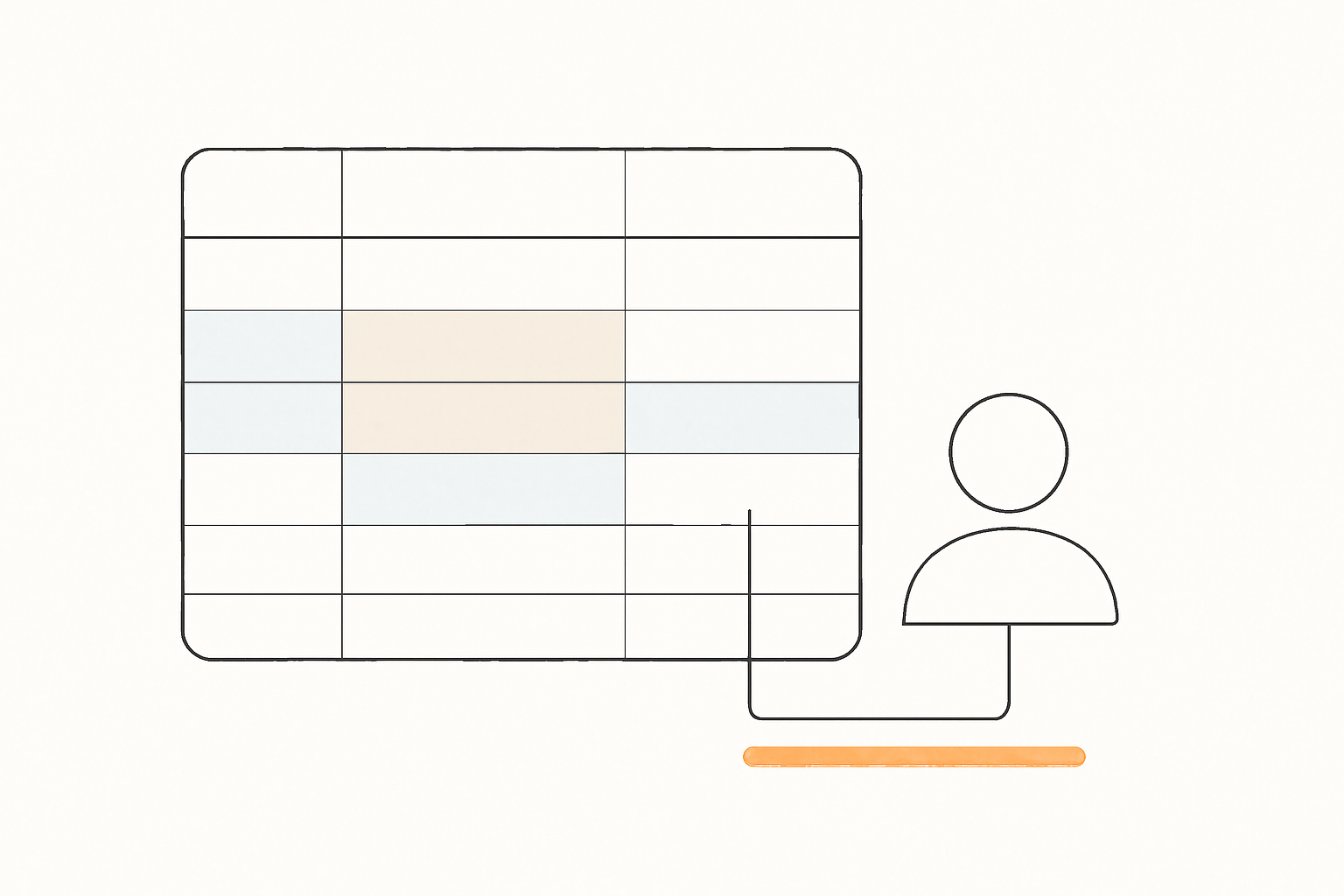
Supabase Storage is a frequent leak source because a bucket created for "user avatars" or "documents" is public unless you say otherwise. A public bucket means anyone who knows the path can read the file, often without signing in.
The fix is to set buckets to private by default and expose files only through access policies or short-lived signed URLs you generate server-side. If a bucket genuinely must be public, scope it to a path you are willing to publish to the whole internet.
create policy "Users access their own files"
  on storage.objects
  for select
  using (bucket_id = 'documents' and (storage.foldername(name))[1] = auth.uid()::text);
In Supabase Storage, set every bucket to private. For buckets that need user access, add storage policies so a signed-in user can only read and write objects under a path containing their own `auth.uid()`. Then check that an unauthenticated request to a stored file's URL returns an error instead of the file.
7. Restrict Realtime to what users should receive
Realtime lets clients subscribe to database changes. If it is enabled on a table without RLS-shaped policies, a client can subscribe to rows it should never see, including other users' data.
The fix is to enable Realtime only on the tables that need live updates, and to lean on RLS so a subscription only delivers rows the user is allowed to read.
In Supabase Realtime, disable replication for every table that doesn't need live updates, and leave it on only for tables protected by RLS policies scoped to `auth.uid()`. Then check that a signed-in user subscribed to a protected channel receives only their own rows.
8. Restrict network access and disable unused APIs
Supabase exposes several ways into your database, and every one you don't use is an open door you can close.
Disable the Data API if you don't need it. If your app only talks to the database through Edge Functions or direct server connections, turn the Data API off. That removes the entire anon-key query path from the equation.
Restrict database network access. Supabase lets you limit direct database connections to an IP allowlist, so only your servers and your own machine can reach Postgres directly.
Rotate exposed keys. If a key may have leaked, revoke it and generate a fresh one rather than trying to scrub it out of Git history. A rotated key makes the old one useless even if a copy survives in a cache or a fork.
If this app doesn't query Supabase directly from the browser, disable the Data API in the dashboard and add an IP allowlist so only our servers and CI can connect directly to Postgres. Rotate the anon and service_role keys afterward. Then check that a request from an unknown IP is refused.
9. Turn on the Security Advisor and monitor
Supabase's Security & Performance Advisor scans your project and flags weak points: tables without RLS, over-broad policies, and other configuration risks. It is the fastest way to catch what you missed after a late-night session, and it is especially useful when an AI agent has scaffolded a table for you.
Run it before launch, then check it again after every schema change. Automated and AI-assisted workflows frequently create tables without RLS, so the advisor is your backstop rather than a one-time step.
10. Understand what encryption covers, and what it doesn't
Supabase encrypts data at rest and in transit over TLS, and it holds SOC 2 Type 2 and ISO 27001 certifications. That protects your data from someone reading the disk or sniffing the wire.
It does not protect you from a misconfigured policy. Encryption at rest means the stored bytes are encrypted; when your app asks for a row through the API, Supabase decrypts it and returns it to whoever your policies say may read it. If RLS is off, that "whoever" is everyone.
Keep the two layers separate in your head. Encryption guards the storage layer. RLS and policies guard the application layer. You need both before you launch.
Frequently asked questions
Is Supabase secure and safe?
Yes, at the platform level. Supabase secures the infrastructure, the Postgres instance, and the service around it, with encryption at rest and in transit and SOC 2 Type 2 and ISO 27001 compliance. Your application is secure only to the extent you configure it: RLS on, least-privilege policies, and secret keys kept server-side.
Can I trust Supabase with production data?
For a solo founder or small team, yes. It is a managed Postgres with a real security track record, used in production by established companies. The trust boundary is your configuration, not the platform. The failure you should plan for is your own misconfiguration, not Supabase's infrastructure.
Is data in Supabase encrypted?
Yes. Data is encrypted at rest and in transit. Secrets you store in Vault get an extra layer: they are encrypted with authenticated encryption before they hit the disk, so they stay encrypted even in backups.
What are the downsides of Supabase for security?
The main one is the default posture. Tables you create in the dashboard start with RLS disabled, and the Data API is exposed to the browser by design. That is powerful for building fast, but it shifts the work of locking tables down onto you. The second is key discipline: the service_role key is one copy-paste away from a full database exposure.
Do I need to disable the Data API?
Only if your app does not query Supabase directly from the browser. If you use Edge Functions or direct server connections for everything, disabling the Data API removes the anon-key query path entirely and is a genuine win. If your frontend talks to Supabase directly, keep it on and rely on RLS.
Sources
- Securing your data — Supabase Docs
- Vault — Supabase Docs
- Security at Supabase
- Row Level Security — Supabase Docs
One more step before you ship: scan your own site and see what a stranger sees. Rustine checks your app the way an outsider would, shows each leak with the proof, and gives you the fix to paste into your agent. With the Rustine MCP server, your coding agent can even scan and fix by itself.