Supabase Service Role Key: Where It Must Never Appear
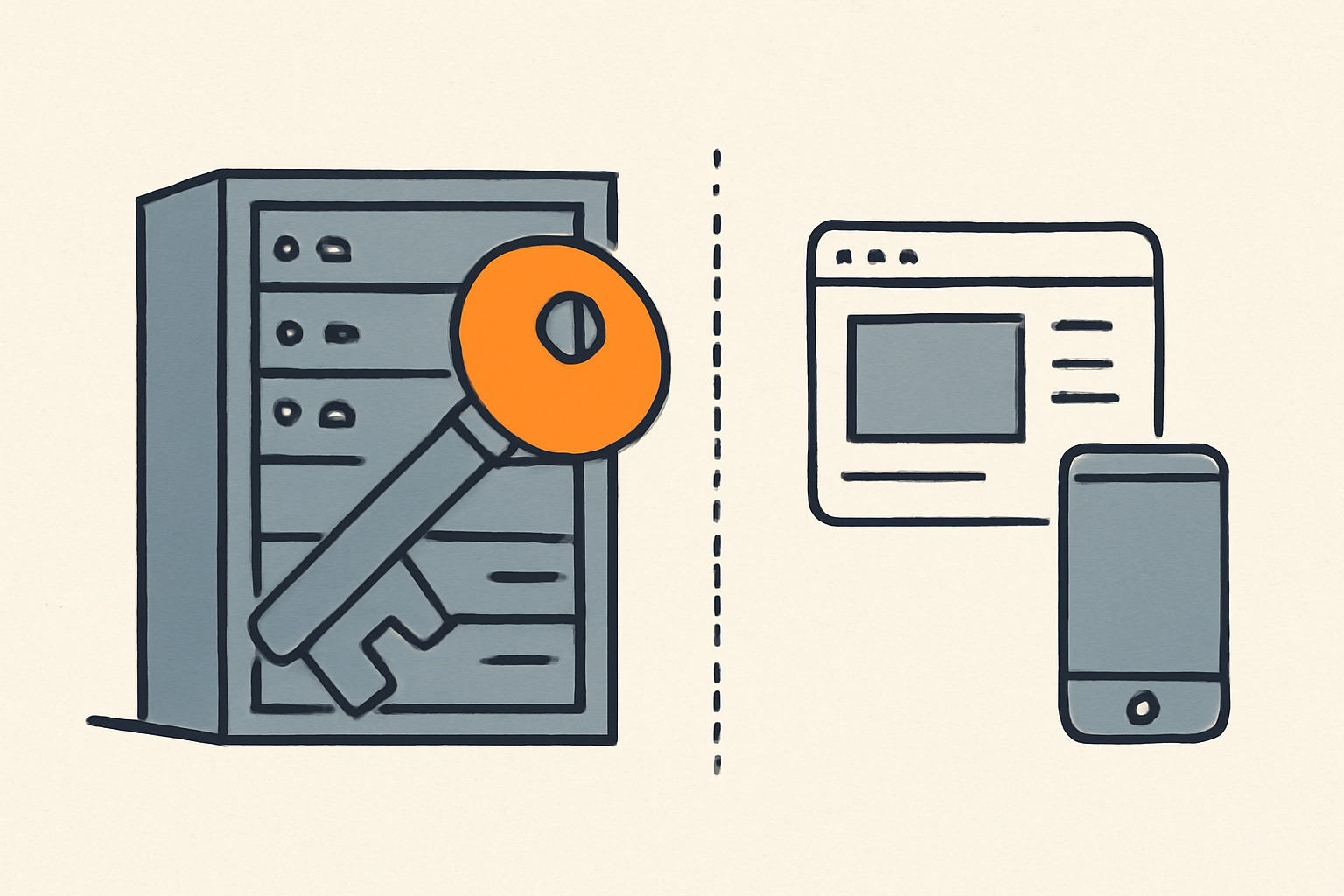
The Supabase service role key is the master key to your project's database. It bypasses Row Level Security (RLS) — the set of rules that decides which rows each user is allowed to read or write — so whoever holds it can read, change, or delete every row in every table. The rule is simple: it belongs only on your backend (a server, an Edge Function, a cron job). It must never appear in the browser, in a mobile app, or in source control.
Contents
- What is the Supabase service role key?
- Service role key vs anon key: what's the difference?
- What can a leaked service role key do?
- Where the service role key must never appear
- 1. The browser bundle
- 2. Source control
- 3. Source maps
- 4. Mobile apps
- 5. Logs and error reports
- 6. Public buckets, gists, and snippets
- Where it should live instead
- How to check your own project for a leaked key
- How to rotate a leaked service role key
- The new secret keys (sb_secret_...) and what changes
- The fix prompt for your coding agent
- Frequently asked questions
- What is supabase_service_role_key?
- Where do I get my Supabase service role key?
- What is the secret key in Supabase?
- Is the service role key the same as the anon key?
- Should I put the service role key in .env?
- Sources
What is the Supabase service role key?
Every request to your Supabase project carries an API key. The key identifies what is calling your project: a web page, a mobile app, a server, or an Edge Function. Supabase Auth is separate — it identifies who is calling, when a user is signed in.
The service role key is the elevated key. Technically it is a long-lived JWT (JSON Web Token): a signed string that carries claims, which Supabase uses to decide what role to run the request as. You can spot it because it is a long string that begins with eyJ.
There are now two kinds of elevated keys in Supabase:
service_role— the legacy JWT key. Long, starts witheyJ.sb_secret_...— the newer secret key. A short string, not a JWT.
Both do the same dangerous thing: they map to the built-in service_role Postgres role, and that role has a special attribute called BYPASSRLS. Row Level Security policies never apply to it. A query run with the service role key skips every policy you wrote, no matter how carefully you wrote them.
That single fact is the whole article in one sentence: RLS protects your rows from the anon key, but it does nothing against the service role key.
Service role key vs anon key: what's the difference?
Supabase gives you two keys by default, and they are opposites in one specific way.
| Anon / publishable key | Service role / secret key | |
|---|---|---|
| Postgres role | anon or authenticated |
service_role |
| Bypasses RLS? | No — respects every policy | Yes — BYPASSRLS |
| Safe in the browser? | Yes, with RLS enabled | Never |
| Where it lives | Client bundle, mobile app | Server, Edge Function |
| If leaked | Limited to what RLS allows | Full access to your data |
The anon key is publishable: it is designed to be readable by anyone, because it only reaches the data your RLS policies allow. When a user signs in through Supabase Auth, the same publishable key runs under the authenticated role instead of anon, and your policies can then return that user's own rows.
The service role key is the opposite: it runs under service_role, which skips the policy check entirely.
If you want the full story on the key you can expose, read Supabase Anon Key: Is It Safe to Expose in the Browser?.
What can a leaked service role key do?
Here is the risk, stated plainly. Supabase's own documentation puts it in one line: "A leaked secret key exposes all of your project's data."
Someone who gets your service role key can:
- Read every table, including rows that belong to other users. The RLS policies that normally filter "this user can only see their own rows" simply do not run.
- Write, update, and delete rows in any table, through the Data API.
- Run elevated queries against your project without signing in. The key authenticates the request as the
service_rolePostgres role, which has full access by design.
There is no partial version of this. The key does not grant "read-only" or "admin on one table." It is full access to the whole database. That is why the fix for a leak is always rotation, not tidying up.

Where the service role key must never appear
This is the list that matters. Go down it and check each one in your own project.
1. The browser bundle
Any JavaScript that ships to the browser is public. A user presses F12 and reads it. That includes:
- React, Next.js, Vue, Nuxt, and Svelte components that run on the client.
- Anything passed through a
NEXT_PUBLIC_prefix in Next.js, orVITE_in Vite. These prefixes exist precisely to inline a value into the client bundle — so they are the exact wrong place for a service role key. process.env.SUPABASE_SERVICE_ROLE_KEYread inside a client component, which bundlers often try to inline.
The Supabase docs are blunt about it: "Never expose your service role or secret keys on the frontend."
2. Source control
Git remembers everything. If the key was committed once and then deleted in the next commit, it is still readable in the history. Places it commonly sneaks in:
- A
.envfile that got committed because.gitignorewas added later. - A hardcoded value in a migration, a seed script, or a "temporary" test file.
- An
.env.examplethat contains a real value instead of a placeholder.
3. Source maps
Next.js, Vite, and Nuxt can ship source maps that let anyone reconstruct your original source — including environment values inlined at build time. If source maps are public and the key was inlined, it is effectively public.
4. Mobile apps
An APK or IPA is a zip file. Anyone can extract the client code from it. A service role key bundled into a mobile build is exposed the moment the app ships.
5. Logs and error reports
console.log(supabase) or an error report that captures the full client config can carry the key into browser devtools, Sentry, or your logging service. Log the message, never the credential.
6. Public buckets, gists, and snippets
A config file uploaded to a public Storage bucket, a public gist, or a support thread screenshot is the same as publishing the key.
Where it should live instead
The service role key belongs in code you control, running where the user cannot reach it:
- Server-side environment variables. Read it only from
process.envon the server — API routes, Route Handlers, Server Components, or a standalone backend. Never prefix it withNEXT_PUBLIC_orVITE_. - Edge Function secrets. Supabase lets you store secrets for Edge Functions separately from your code, so the key never sits in the function source.
- Supabase Vault. For secrets you need inside Postgres, Vault stores them encrypted rather than in plain text.
- CI/CD secret stores. GitHub Actions secrets, Vercel environment variables marked as server-only, and similar.
The rule of thumb from the docs: treat the service role key as a secret — import it as a sensitive environment variable, never hardcode it.
How to check your own project for a leaked key
You do not need a scanner to catch the most common leaks. Run these against your own repository.
Search the source for the key by name:
grep -rn "service_role" --include="*.{js,ts,tsx,jsx,vue,svelte,env}" .
Search for any long JWT, since Supabase legacy keys start with eyJ:
grep -rn "eyJ" --include="*.{js,ts,tsx,jsx,vue,svelte,env}" .
Check whether the key ever touched git history:
git log -S "service_role" --oneline
Check which variables you are inlining into the client with a NEXT_PUBLIC_ or VITE_ prefix:
grep -rn "NEXT_PUBLIC_" .
grep -rn "VITE_" .
Two things to remember while you read the output. First, the anon key is fine to see in a client bundle — it is the service_role string, or a long eyJ value in a client file, that matters. Second, an RLS policy is only protection for the anon key; the service role key ignores it entirely, which is why we wrote Supabase RLS: securing your AI-coded app to cover the other half of the story.
How to rotate a leaked service role key
If you find the key anywhere it should not be, rotate it before you scrub the history. Deleting a commit is not enough — the key stays readable in git history, and you cannot be sure who already copied it.
To rotate the legacy key:
- Open the Supabase Dashboard and go to Project Settings > API Keys.
- Revoke or regenerate the service_role key.
- Update every backend environment variable with the new value.
- Confirm the old key no longer works.
For the newer key system, disabling legacy keys is a separate step in Settings > API Keys: creating a sb_secret_... key does not automatically revoke your old service_role key. Both systems run side by side until you disable the old ones.
The new secret keys (sb_secret_...) and what changes
Supabase is deprecating the anon and service_role keys by the end of 2026, replacing them with:
- Publishable key (
sb_publishable_...) — replacesanon. Safe to expose. - Secret key (
sb_secret_...) — replacesservice_role. Backend only.
The new keys are short strings, not JWTs. If a tutorial or an AI assistant tells you to copy a long key that begins with eyJ, it was written for the legacy keys. The new secret key also adds checks that help prevent misuse — Supabase rejects it from a browser, which is a useful guard against accidental exposure in a client bundle.
Nothing here changes the core rule: the secret key is still the master key, and it still bypasses RLS. It just has a friendlier format and an extra guard.
The fix prompt for your coding agent
If you work with Cursor, Claude Code, or Lovable, paste this and let the agent do the sweep. It names the files to check and ends with a verification step.
You are reviewing my codebase for leaked Supabase credentials.

1. Search every file — including .env, .env.local, .env.production,
   next.config.*, vite.config.*, vercel.json, netlify.toml, and all
   source under src/, app/, pages/, components/ — for the strings
   "service_role", "SUPABASE_SERVICE_ROLE_KEY", and for any value
   starting with "eyJ" that is longer than 200 characters.

2. Remove the service role key from any client-side file (anything
   imported into a component that runs in the browser). Replace those
   client calls with the anon/publishable key.

3. Move the service role key to a server-only environment variable.
   In Next.js, read it only from process.env on the server (API routes,
   Route Handlers, Server Components) — never prefix it with NEXT_PUBLIC_.
   In Vite, never prefix it with VITE_ unless the value is the anon key.

4. If the key ever touched git, rotate it in the Supabase Dashboard
   (Settings > API Keys). Do not rely on deleting the commit.

Then check that: no client bundle contains the string "eyJ", and only
the anon/publishable key is exposed to the browser.
The prompt works because it separates the two jobs people confuse: cleaning the code, and rotating the key. Only the second one actually removes the risk. If you would rather the agent scan and fix this by itself, Rustine's MCP server lets your coding agent run the scan and ship the patch in the same session.
Frequently asked questions
What is supabase_service_role_key?
It is the elevated API key that authenticates requests as the service_role Postgres role. That role has the BYPASSRLS attribute, so the key skips every Row Level Security policy and grants full access to your project's data. It must only be used on the backend.
Where do I get my Supabase service role key?
In the Supabase Dashboard, open Project Settings > API Keys. The service_role key (or the newer sb_secret_... key) is listed there. You can also retrieve keys through the CLI and the Management API, but the Dashboard is the fastest path.
What is the secret key in Supabase?
The secret key (sb_secret_...) is the newer replacement for the legacy service_role key. It is a short string rather than a JWT, and Supabase is deprecating the legacy keys by the end of 2026. Like the service role key, it bypasses RLS and must never leave the backend.
Is the service role key the same as the anon key?
No. The anon key (and its sb_publishable_... replacement) maps to the anon or authenticated role and respects RLS, so it is safe to ship in the browser. The service role key maps to service_role, bypasses RLS, and must never be exposed.
Should I put the service role key in .env?
Yes — but only in a .env file that is loaded on the server and listed in .gitignore. A .env that is committed to git, or whose value is inlined into the client via NEXT_PUBLIC_ or VITE_, is a leak. On the backend, treat it as a sensitive environment variable and never hardcode it.
Sources
- API keys — Supabase Docs
- Securing your data — Supabase Docs
- Migrating to publishable and secret API keys — Supabase Docs
- Upcoming changes to Supabase API Keys #29260 — Supabase GitHub
The fastest way to know whether your key actually leaked into your client bundle is to look at your site the way a stranger would. Run a free scan with Rustine and see the exact request that returns each exposed value — with the fix ready to paste into your agent.