Supabase anon vs service_role key: which one can you expose?
The answer in two sentences. The anon key (soon the publishable key) can stay in your frontend: it only opens what Row Level Security (RLS) allows. The service_role key (soon the secret key) bypasses RLS and must never leave your server — if it leaks into the browser, your entire database becomes readable and editable by anyone.
Contents
- anon and service_role: what are they, concretely?
- Which one can stay in the frontend?
- Why the service_role key must never touch a browser
- What changes at the end of 2026: publishable and secret keys
- Where the service_role (and secret) key should live
- How to check whether you've leaked a key
- FAQ
- Is the anon key public?
- I see a key that starts with eyJ, is that bad?
- Can I use the service_role key to unblock local development?
- How do I rotate a key that has leaked?
- Can the new secret key go in the frontend?
- Sources
This is the question that comes up as soon as you connect a Lovable, Bolt or Cursor app to Supabase. Your coding agent generated a createClient call with a key, you don't know which key is which, and you wonder whether it's a problem to see it in the JavaScript shipped to the browser. The answer depends on the key. Here is how to tell them apart, what each one allows, and where the service_role key must never appear.
anon and service_role: what are they, concretely?
Every request sent to your Supabase project carries an API key. That key doesn't say who you are: it says what is making the call — a web page, a mobile app, a server or an Edge Function. Identifying the user is handled separately by Supabase Auth, when someone signs in.
Concretely, Supabase provides four types of keys:
| Type | Format | Privileges | Where to use it |
|---|---|---|---|
| Publishable key | sb_publishable_... |
Low | Browser, mobile app, CLI, source code |
| Secret key | sb_secret_... |
High | Server, Edge Function only |
| anon (legacy) | Long JWT (eyJ...) |
Low | Older version of the publishable key |
| service_role (legacy) | Long JWT (eyJ...) |
High | Older version of the secret key |
The key point: each key maps to a Postgres role. The anon/publishable key runs with the anon role when nobody is signed in, and with the authenticated role when a user is signed in. The service_role/secret key runs with the service_role role, which carries the BYPASSRLS attribute.
That word BYPASSRLS changes everything. It is what separates "safe in the browser" from "never in the browser".
Which one can stay in the frontend?
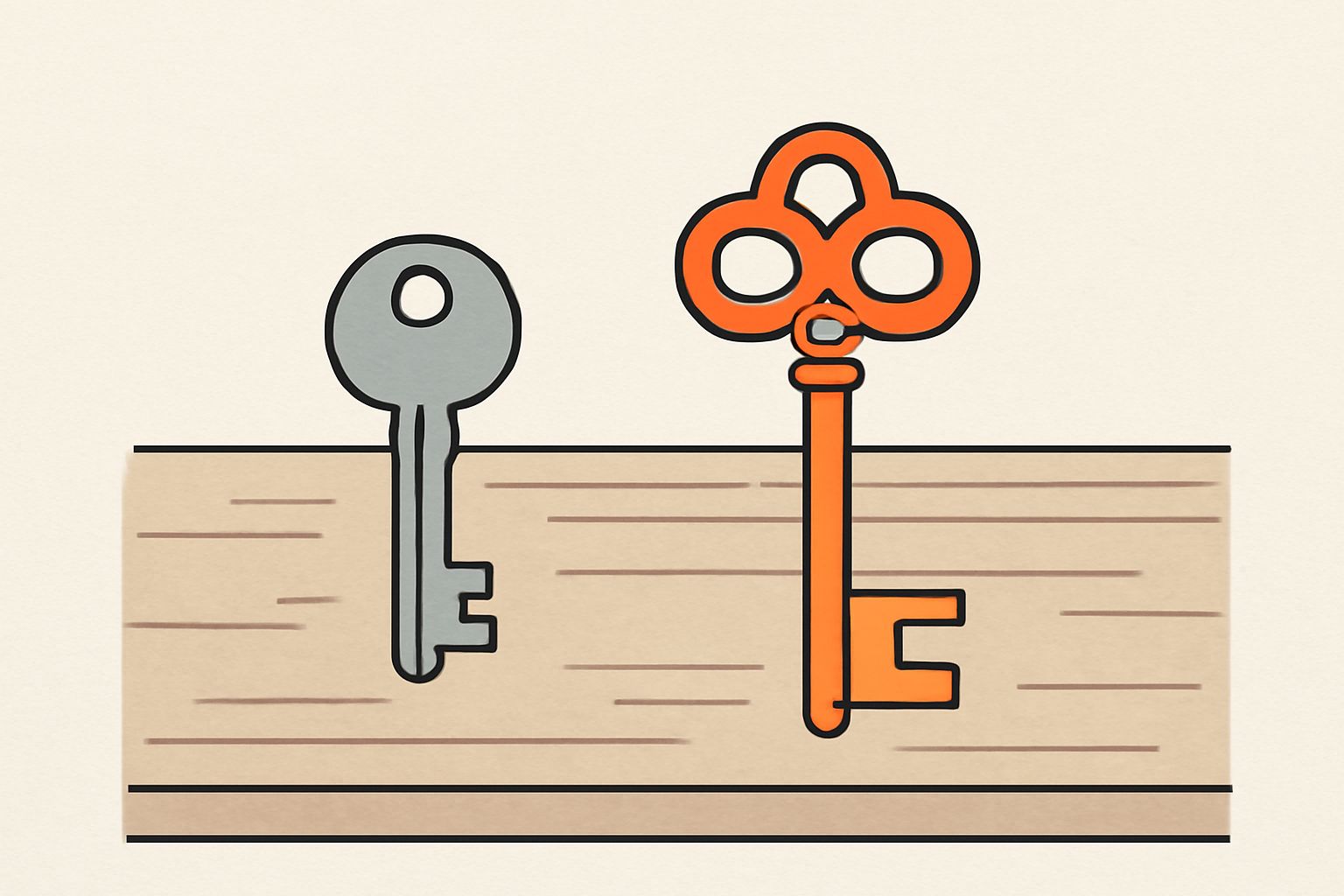
The anon (publishable) key can stay in the frontend. That is by design: it is meant to be readable by anyone, because it only gives access to what your RLS policies explicitly allow.
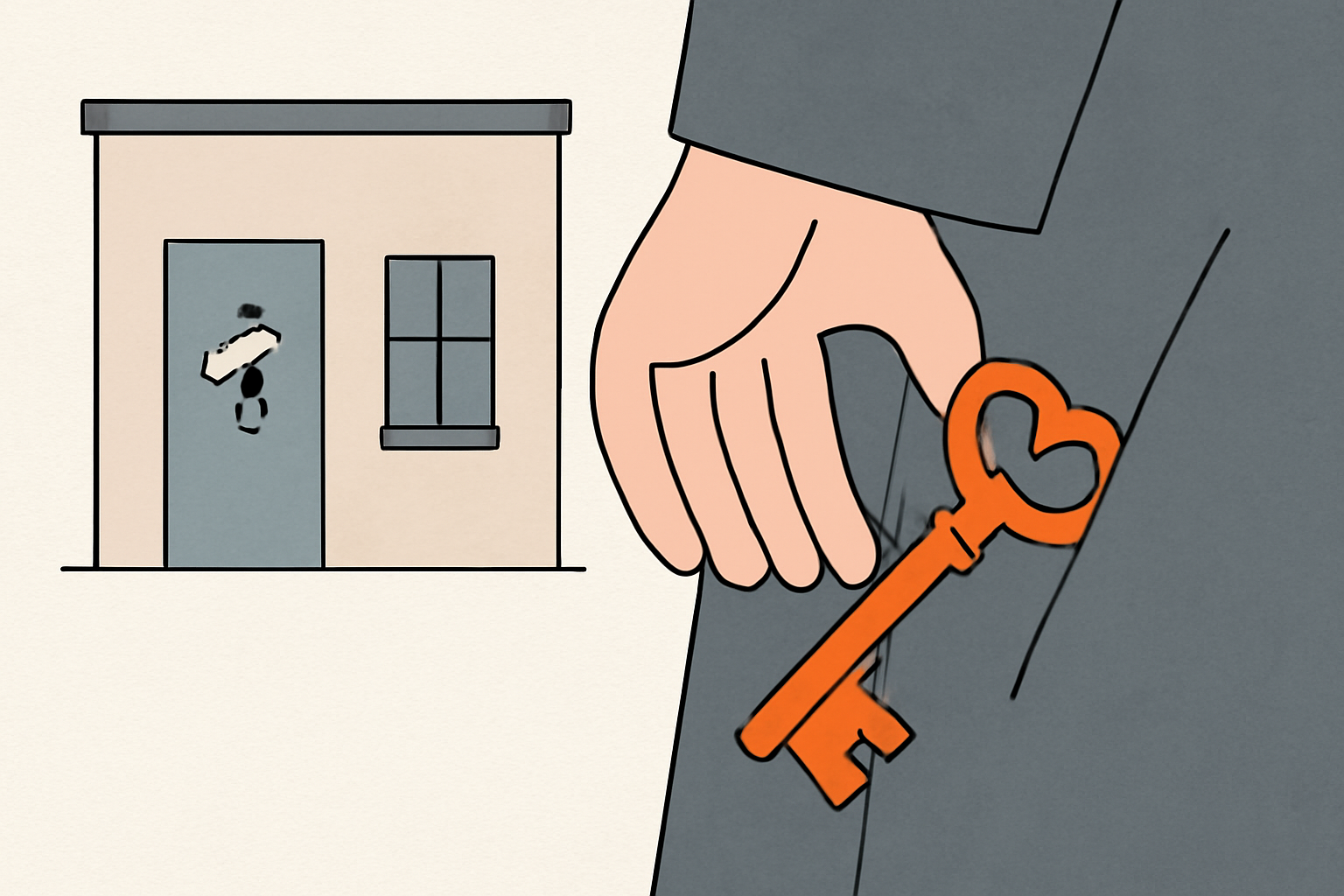
The image to remember comes from the Supabase documentation: think of your project's data as a building. The publishable key is taped to the front door — anyone can read it, and it only opens the lobby. The secret key is the master key: it stays in your pocket.
That means one important thing: exposing the anon key is not a vulnerability in itself. Security doesn't rely on keeping this key secret, but on your RLS policies. If your RLS is set up correctly, a stranger who grabs your anon key from the JavaScript only sees the data you decided to make public. If your RLS is missing or misconfigured, that's where it breaks — and that's a separate topic, covered in our guide to securing a Supabase app with RLS.
Why the service_role key must never touch a browser
The service_role key (and the new secret key) bypasses all your RLS policies. It runs with the service_role role, which carries BYPASSRLS: none of the rules you write apply to it.
The consequence: a service_role key that leaks into the frontend means full access to your database. Read, write, delete — unconditionally. Anyone who opens your site's DevTools can copy it, then read all your users' data, modify it, or wipe tables.
This isn't dramatization: the Supabase documentation says it in black and white — "A leaked secret key exposes all of your project's data". And it restates the rule: never in a browser, never in a shipped app, never in source control.
Places where it must never appear:
- in a JavaScript file or bundle shipped to the browser;
- in a variable prefixed with
NEXT_PUBLIC_(Next.js) orVITE_(Vite), which get injected into the client; - in a public Git repository;
- in an API response or an HTML page.
What changes at the end of 2026: publishable and secret keys
One change to know about: Supabase is deprecating the anon and service_role keys by the end of 2026, in favor of publishable (sb_publishable_...) and secret (sb_secret_...) keys. The primary source is the API keys page of the Supabase docs.
Three differences to remember:
- The format. Publishable and secret keys are short strings, not JWTs. If a tutorial, a tool or your coding agent tells you to copy a long key that starts with
eyJ, it was written for the old system. - The meaning stays the same. Publishable = low privilege, can be public. Secret = high privilege, bypasses RLS, server-side only. Nothing changes in substance.
- The old keys stay active. Creating a publishable or secret key does not revoke your legacy keys. Both systems work in parallel, and your anon/service_role keys remain valid until you disable them in Settings > API Keys in the dashboard.
Another advantage of the new keys: the secret key is designed not to work from a browser, with checks on the Supabase side to prevent misuse. The service_role (JWT) has no such safeguard.
Where the service_role (and secret) key should live
The rule is simple: server-side only. Concretely, in components you control — an Edge Function, a server, a scheduled job, a back office that does its own authorization checks.
For a Supabase app with Edge Functions, secrets are stored like this:
- Locally, in
supabase/functions/.env, which your runtime loads when the stack starts. - In production, via
supabase secrets setor the dashboard (Edge Function Secrets).
And the .env file goes in your .gitignore. A .env committed to Git means all your secrets are delivered to anyone who can read the repository.
Inside an Edge Function, Supabase already injects the right keys. You create two clients:
import { createClient } from 'npm:@supabase/supabase-js@2'

const PUBLISHABLE = JSON.parse(Deno.env.get('SUPABASE_PUBLISHABLE_KEYS')!)
const SECRET = JSON.parse(Deno.env.get('SUPABASE_SECRET_KEYS')!)

// Opérations côté utilisateur : respecte Row Level Security
const supabase = createClient(Deno.env.get('SUPABASE_URL')!, PUBLISHABLE['default'])

// Opérations admin : contourne Row Level Security
const supabaseAdmin = createClient(Deno.env.get('SUPABASE_URL')!, SECRET['default'])
The supabase client (publishable) is for what the user does, the supabaseAdmin client (secret) only for server-side admin tasks.
How to check whether you've leaked a key
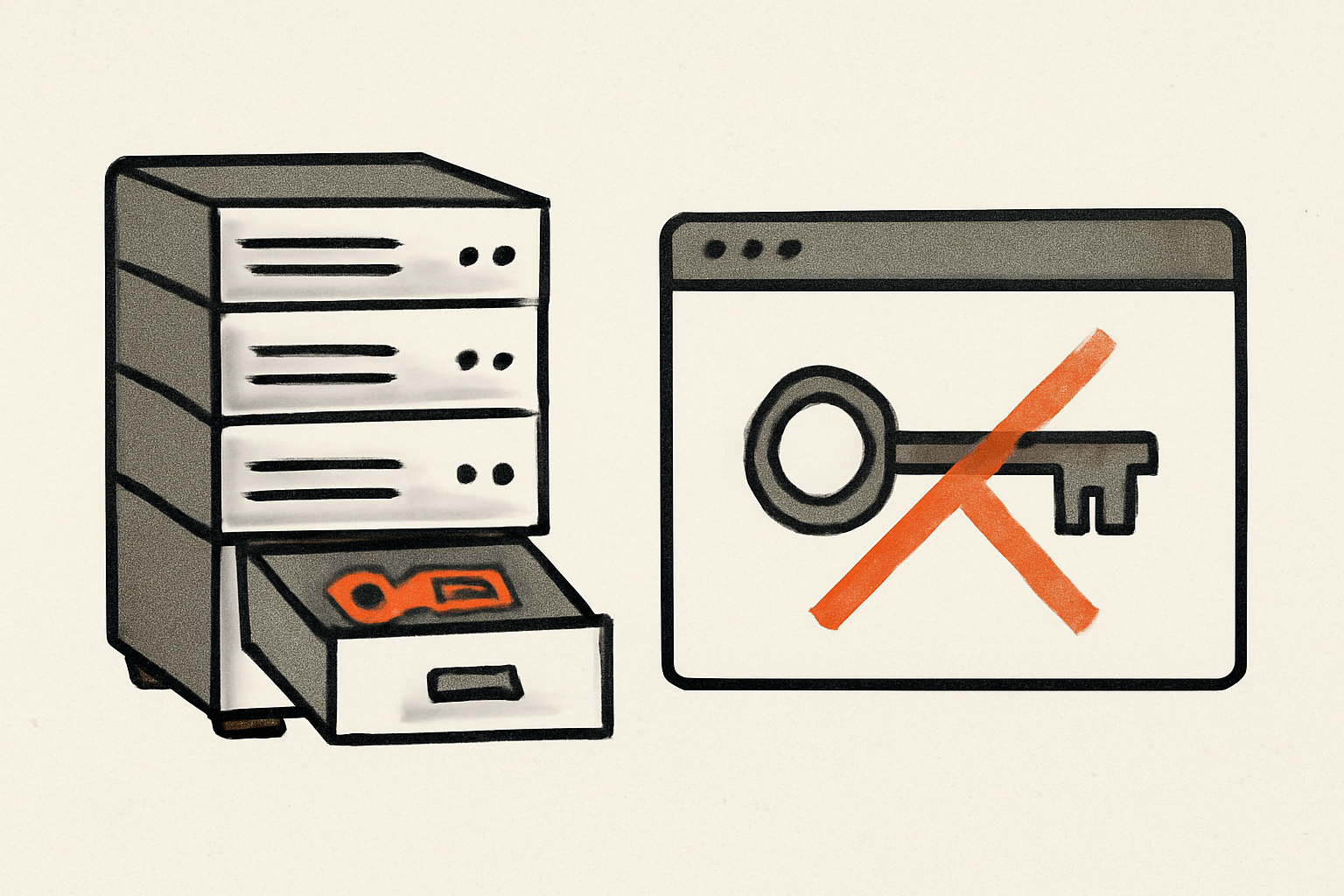
The reflex: look at your own site the way a stranger would. Open DevTools, go to the Network or Sources tab, and search for your keys. Look in particular for strings that start with eyJ (a legacy service_role JWT) or sb_secret_ (a secret key). If you find one in the shipped JavaScript, that's a leak to deal with right away.
Also check your source maps if they're online: they expose your original source code, and therefore any keys you may have left in it.
Finally, dig through your Git history. A key that was committed and then deleted stays in the history until you revoke it. Deleting the file isn't enough: you have to revoke the key.
Here is a prompt to paste into your coding agent so it checks for itself:
Audite ce projet pour détecter toute clé Supabase exposée côté client.

1. Cherche dans tout le code livré au navigateur (composants, bundles, variables NEXT_PUBLIC_*, VITE_*, .env importé côté client) toute clé Supabase.
2. Signale immédiatement : une chaîne qui commence par eyJ (JWT anon ou service_role legacy) ou par sb_secret_ (secret key). C'est une fuite critique.
3. Pour la clé anon/publishable (sb_publishable_...), ce n'est pas une fuite : vérifie simplement que des policies RLS couvrent chaque table.
4. Déplace toute service_role/secret key vers le serveur (Edge Function, variable d'environnement serveur, supabase secrets set), et ajoute les fichiers .env au .gitignore.
5. Vérifie ensuite que plus aucune secret/service_role n'apparaît dans le build client, et que chaque table a une policy RLS.
If you've leaked a key: revoke it first, then fix the code, then generate a new key. The order matters — fixing the code without revoking leaves the old key valid in the hands of whoever copied it.
To avoid spending the afternoon searching by hand, you can run a free scan of your site on Rustine: it looks at your app the way a stranger would, shows you the leaking key along with the request that proves it, and gives you the fix to paste.
FAQ
Is the anon key public?
Yes, and that's normal. The anon (publishable) key is designed to be readable by anyone. Its security rests entirely on Row Level Security: it only opens what your policies allow. It's not a secret to protect, it's an access badge for the lobby.
I see a key that starts with eyJ, is that bad?
eyJ is the start of a JWT. It could be an anon key (not a problem) or a service_role key (critical). The difference lies in the role: a service_role key carries the BYPASSRLS attribute and bypasses everything. If an eyJ key is in your frontend, check which type it is — and when in doubt, treat it as a leak.
Can I use the service_role key to unblock local development?
You can, but keep it out of the browser even locally. A classic mistake: using the service_role key in the client to "make a query work faster" that RLS was blocking. That's the wrong fix — it works locally, then ships to production with full access exposed. The right fix is to write the RLS policy that's missing.
How do I rotate a key that has leaked?
In the Supabase dashboard, Settings > API Keys: revoke the compromised key, then generate a new one. Update your code with the new value. As long as you haven't revoked the old one, it stays valid even if you no longer use it.
Can the new secret key go in the frontend?
No. Same reason as the service_role key: it bypasses RLS and gives full access. The difference is that it's better protected against misuse (it doesn't work from a browser), but the rule doesn't change: server-side only.