Supabase vs Firebase: Which Is Easier to Secure?

Contents
- The 30-second answer
- How each platform decides who can read your data
- Supabase: two checks, one door
- Firebase: one rules file for everything
- What happens if you configure nothing
- API keys: what's safe to expose
- Storage: files are a second door
- Auth: open sign-ups and email confirmation
- Which stack holds up when you code with AI
- The fix prompts
- Lock down Supabase
- Lock down Firebase
- Frequently asked questions
- Is Supabase more secure than Firebase?
- Is the Supabase anon key a secret?
- Is the Firebase API key a secret?
- What happens if I forget to enable RLS in Supabase?
- Can a signed-out user read my Firebase data?
- The verdict
- Sources
If you're a solo founder building a SaaS with Cursor, Lovable, or Claude Code, the honest answer is this: both Supabase and Firebase can be locked down, but Supabase is the safer default for someone who doesn't live and breathe backend security. Supabase enforces access with Row Level Security (RLS) inside the database, and its public "anon" key is designed to be exposed. Firebase is just as lockable, but its test-mode rules and years of open-rules tutorials make leaked data far more common in AI-generated apps.
This article compares the two on security only — not pricing, SDK polish, or vendor lock-in — so you can pick the stack you'll actually keep locked.
The 30-second answer
Supabase and Firebase both sit between your frontend and your database. The security question is identical for both: who can read and write which rows, and how do you prove they are who they say they are.
- Supabase uses PostgreSQL's Row Level Security (RLS). You write SQL policies that act like a
WHEREclause attached to every query. If you forget to enable RLS on a table, that table is open to anyone who can reach it. - Firebase uses Security Rules. You write JSON-like rules that decide access per document or file. A new Firestore database starts locked, but "test mode" and old tutorials leave rules wide open (
allow read, write: if true).
For a vibe coder, the practical difference is where the rule lives. Supabase's rules live in the database, so they apply even when your frontend forgets to check. Firebase's rules live in a separate file you have to remember to write, deploy, and then verify.
How each platform decides who can read your data
Supabase: two checks, one door
Supabase runs two checks before a request touches a table: grants and policies.
- Grants decide whether a role can run an operation on a table at all. Supabase maps every request to one of three roles:
anon(signed out),authenticated(signed in), orservice_role(your server, full access). - Policies decide which rows that operation applies to. A policy is SQL attached to a table, and Postgres runs it on every query.
Here's the part that trips people up: a policy like using (auth.uid() = user_id) only adds a WHERE clause. It does not take back the default grants. If anon still holds a SELECT grant on the table, a signed-out visitor can still read rows — the policy merely filters which ones. This is why the Supabase docs tell you to revoke permissive grants, not just add policies.
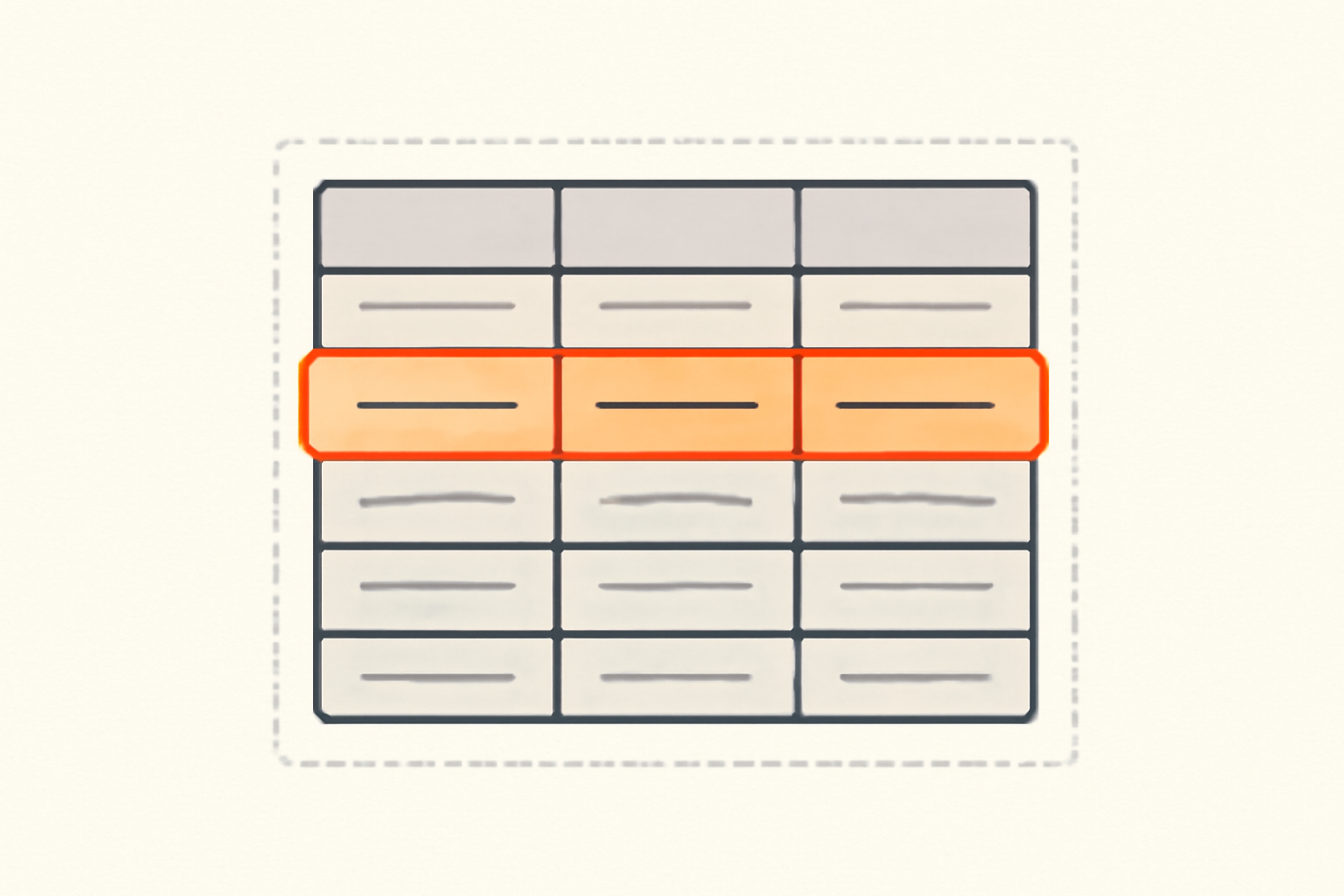
The mental model: a policy is a WHERE clause the database adds to every query, silently. When you build with Lovable or Bolt, the AI often creates the table and skips this step entirely — which is exactly how RLS mistakes get shipped. For the full walkthrough, read our guide to Supabase RLS with policies you can copy.
Firebase: one rules file for everything
Firebase uses a single rules language across Firestore, Realtime Database, and Cloud Storage. A rule matches a path, then decides allow read, write based on conditions like request.auth (who is calling) and resource.data (the document being read or written).
The rules are easy to write and hard to verify. A single match /{document=**} { allow read, write: if true; } at the top of a file opens your entire database, and it is one keystroke away from if false. Nothing warns you when you ship it. Firebase's Rules playground lets you simulate requests, but nothing forces you to use it. Our Firebase security rules guide shows the rules that don't leak.
What happens if you configure nothing
This is the comparison that matters for a solo founder, because "configure nothing" is the default state of an AI-coded first draft.
Supabase: RLS is not magic. On many projects, a new table in the public schema starts with every privilege granted to anon and authenticated, and RLS has to be turned on table by table. Supabase has been tightening these defaults, so don't rely on them either way — enable RLS and set the grants explicitly. The good news: once you enable RLS, a table with no policies denies everyone until you add one. That's a safe failure mode. The bad news: a table you never enable RLS on stays open. The failure you're most likely to ship is a table you forgot, not a policy you wrote wrong.
Firebase: locked by default, open by tutorial. A brand-new Firestore database starts in production mode, which is allow read, write: if false — deny everything. That's a safe default too. The problem is the path of least resistance. The Firebase console offers test mode, which opens reads and writes to everyone for 30 days so you can prototype. Vibe coders leave test mode on, or follow an old tutorial that says to paste if true, and ship it. The failure you're most likely to ship is a rules file that says "true" somewhere.
So: Supabase fails open only if you forget RLS. Firebase fails open if you follow the tutorial. For a founder who learns from tutorials, Supabase's failure mode is easier to catch with a checklist. That checklist exists: our Supabase security checklist covers the ten checks to run before launch.
API keys: what's safe to expose
Both platforms put keys in the browser, and this is where the confusion lives.
Supabase gives you two keys, and one of them is meant to be public. The anon key is safe to ship in your frontend — it identifies your project and lets signed-out visitors use only what your RLS policies allow. The service_role key is the opposite: it bypasses RLS entirely and reads every row. It must never appear in browser JavaScript, a committed .env, or client code. We've covered both in depth: is the Supabase anon key safe to expose? and where the service role key must never appear.
Firebase gives you a config object, and its "API keys" are not secrets. A Firebase web app ships with an apiKey, authDomain, projectId, and so on. These identify your project; they do not authenticate a user or grant data access. Access is governed entirely by Security Rules and App Check. The danger isn't exposing the config — it's assuming the config is the security. Too many founders paste the config, skip the rules, and consider themselves done.
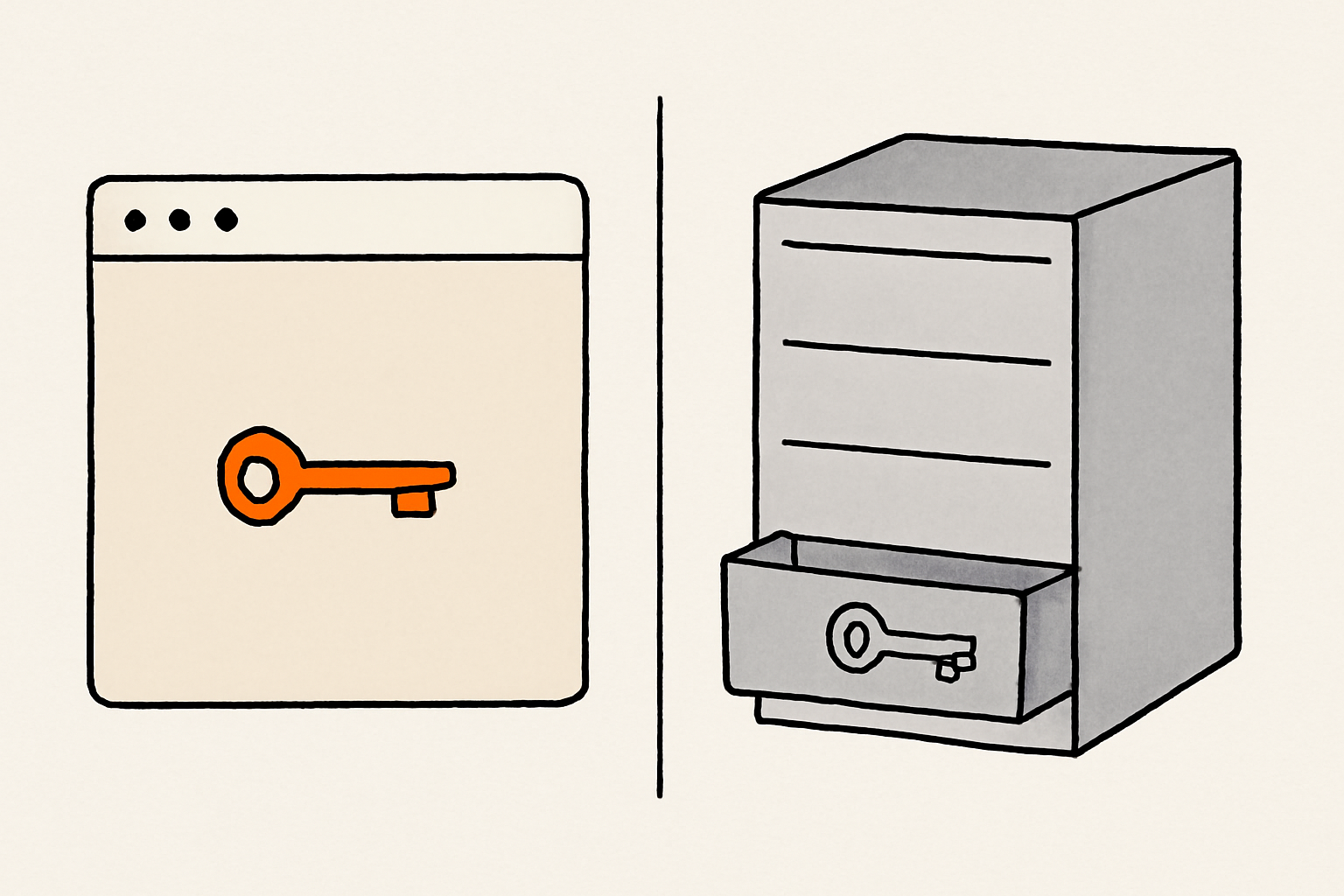
The practical takeaway: on Supabase, the one key that matters (service_role) is loud and easy to grep for. On Firebase, there's no single smoking-gun key to leak — which is comfortable, and dangerous, because the real protection (the rules file) stays invisible until someone tests it.
Storage: files are a second door
Your database can be locked while your files are wide open. Both platforms keep file access behind a separate set of rules.
Supabase Storage uses the same grants-and-policies model as the database, backed by its own storage.objects and storage.buckets tables. A public bucket is readable by everyone; a private bucket requires policies. The classic mistake is making a bucket public so avatars load, then dropping private exports into that same bucket.
Firebase Cloud Storage uses the same rules language as Firestore. The classic mistake is a rule that allows read on the whole bucket while the database is locked, so profile photos and PDF exports leak together.
The fix is identical in both: scope storage rules to the same auth.uid() condition you use for the database, and treat every bucket as private unless you deliberately make it public.
Auth: open sign-ups and email confirmation
Auth is where the two feel most similar, but the defaults differ enough to matter.
- Open sign-ups. Both let anyone create an account. For a SaaS that's usually fine — you want sign-ups. The risk is a signed-out visitor getting
authenticated-level access simply by registering. On Supabase, a new account becomes theauthenticatedrole, so your RLS policies forauthenticatedapply immediately. On Firebase, the same holds forrequest.auth != null. - Email confirmation. Turning off email confirmation means an account is usable the moment it's created. For a small app it's a convenience; for anything that gates paid features or personal data, it's how someone scripts account creation. Enable it on both.
One Supabase-specific warning: the anon role is not the same as an "anonymous user". A Supabase anonymous-auth user is still authenticated in the database and passes auth.uid() checks. Don't confuse "signed out" with "anonymous login" when you write policies.
Which stack holds up when you code with AI
This is where it matters most, because our readers build with Cursor, Lovable, Bolt, and Claude Code.
Lovable and Bolt default to Supabase, and that's a real advantage: the AI scaffolding usually wires the client to the anon key, and the failure mode (a table without RLS) is discoverable by reading the database rather than hunting through a rules file. "Did you enable RLS on every table?" is a check you can hand straight to an agent.
Firebase appears less often in AI scaffolding, but the risk pattern is the same: an assistant writes allow read, write: if true to get the prototype working, and nobody flips it back. If you use Firebase, hand the agent a locked-mode rules file and tell it to keep if false as the baseline.
Whatever stack you pick, run the same vibe coding security checklist before launch and review the security risks your AI assistant gets wrong. The database is one door of several — headers, cookies, and API endpoints are the others.
The fix prompts
We don't stop at the diagnosis. Here are two prompts to paste straight into Cursor, Claude Code, or Lovable — one per stack.
Lock down Supabase
Lock down my Supabase database. For every table in the `public` schema:
1. Run `alter table <name> enable row level security;`
2. Add SELECT/INSERT/UPDATE/DELETE policies that scope rows to the signed-in user with `auth.uid()`, for example `using (auth.uid() = user_id)`.
3. Revoke the permissive default grants, then grant back only what the app needs:
   `revoke all on <name> from anon, authenticated;`
   `grant select on <name> to authenticated;`
4. Confirm the service_role key is not used in client code, a committed .env, or the browser.
Then check that a signed-out client can read nothing, and a signed-in user can read only their own rows.
Lock down Firebase
Lock down my Firebase database and storage. In the Firestore rules:
1. Start from locked mode: `allow read, write: if false;`
2. For user documents, allow access only when the caller matches the document owner:
   `allow read, write: if request.auth != null && request.auth.uid == resource.data.uid;`
3. Apply the same owner check to Cloud Storage with `match /b/{bucket}/o { ... }`.
4. Remove any `if true` or test-mode rules, and never write `allow read, write: if true;` again.
Then check in the Rules playground that an unauthenticated request is denied, and a signed-in user can only read their own documents.
Frequently asked questions
Is Supabase more secure than Firebase?
Not inherently. Both enforce access server-side and both reach the same ceiling. Supabase tends to be easier for a solo founder to keep secure because its rules live in the database and its dangerous key (service_role) is obvious, while Firebase's protection lives in a rules file that's easy to leave open.
Is the Supabase anon key a secret?
No. The anon key is designed to be public and identifies your project. What protects your data is RLS. The key you must never expose is the service_role key, which bypasses RLS. See is the Supabase anon key safe to expose?.
Is the Firebase API key a secret?
No. The Firebase config's apiKey identifies your project and does not authenticate users or grant data access. Your data is protected by Security Rules and App Check, not by hiding the config.
What happens if I forget to enable RLS in Supabase?
A table with RLS disabled is readable and writable by any role that holds a grant on it — often anon and authenticated. Once you enable RLS, a table with no policies denies everyone, which is the safe starting point.
Can a signed-out user read my Firebase data?
Only if your rules allow it. A new Firestore database is locked by default, but test mode and if true rules open it. Test in the Rules playground with an unauthenticated request to be sure.
The verdict
For a solo founder shipping a SaaS with AI tools, Supabase is usually the easier stack to keep secure — not because it's "more secure" than Firebase, but because its failure mode is more visible and its public/private key split is clearer. Either stack leaks, though, if you treat security as a launch-day checkbox instead of a setting you verify.
The decision matters less than the habit. Whatever you choose, before you ship, look at your app the way a stranger would and ask what a signed-out visitor can actually read. Rustine does exactly that: it shows the leak with the request and the response, then hands you the fix to paste back into your agent. If you work inside an agent, Rustine's MCP server can run the scan and apply the fix itself. Start with a free scan at rustine.io.