PHP 8.2.35, 8.3.36, 8.4.27, 8.5.12: The php2shell Fix Is Out
On October 21, 2026 at 14:00 UTC, the PHP team released PHP 8.2.35, 8.3.36, 8.4.27 and 8.5.12. They close two remote code execution vulnerabilities in PHP core — CVE-2026-109618 and CVE-2026-109619 — that we covered in our first php2shell post. Both carry a CVSS v4 score of 9.2. If you host PHP, update today. If you can't, apply the interim mitigations at the bottom of this page.
Contents
- Does this affect you?
- What's actually broken
- The versions to install
- How to check which version you're running
- Restart the workers after updating
- On managed hosting, check their status page
- If you can't update today: interim mitigations
- PHP 7.4, 8.0, 8.1: you have no package to install
- The fix prompt for your coding agent
- How Rustine helps
- Frequently asked questions
- Is my site definitely compromised if I'm on a vulnerable version?
- Do I need to update even if my app doesn't accept file uploads?
- I'm on shared hosting. Can I update PHP myself?
- What if my distro hasn't shipped the package yet?
- Is hiding the PHP version enough?
- Sources
Does this affect you?
Short answer: probably yes, if you run any PHP release below the fixed ones.
| Details | |
|---|---|
| Affected versions | PHP 7.4, 8.0, 8.1, 8.2, 8.3, 8.4 and 8.5 (all releases below the fix) |
| Fixed versions | 8.2.35, 8.3.36, 8.4.27, 8.5.12 |
| Severity | Critical — CVSS v4 9.2 |
| CISA KEV | Not listed as of October 21, 2026 |
| Exploitation | Early attacks reported by Cloudflare; no confirmed mass exploitation yet |
PHP 7.4, 8.0 and 8.1 are affected too, but they receive no official release. The PHP security team publishes source patches only for them — more on that below.
What's actually broken
Both flaws sit in PHP core, not in an extension. That's why this matters even if your app has no obvious upload feature.
CVE-2026-109618 is in multipart form parsing — the code path PHP uses to read file uploads. A request can push the parser down a memory-exhaustion path that corrupts the request, and from there an attacker can reach code execution. It's confirmed on Apache mod_php, and likely affects PHP-FPM, FrankenPHP and LiteSpeed.
CVE-2026-109619 is a state leak between requests: state left behind by one request is reused by the next request that lands on the same worker process. This is the "shell from a follow-up request" idea behind the name php2shell.
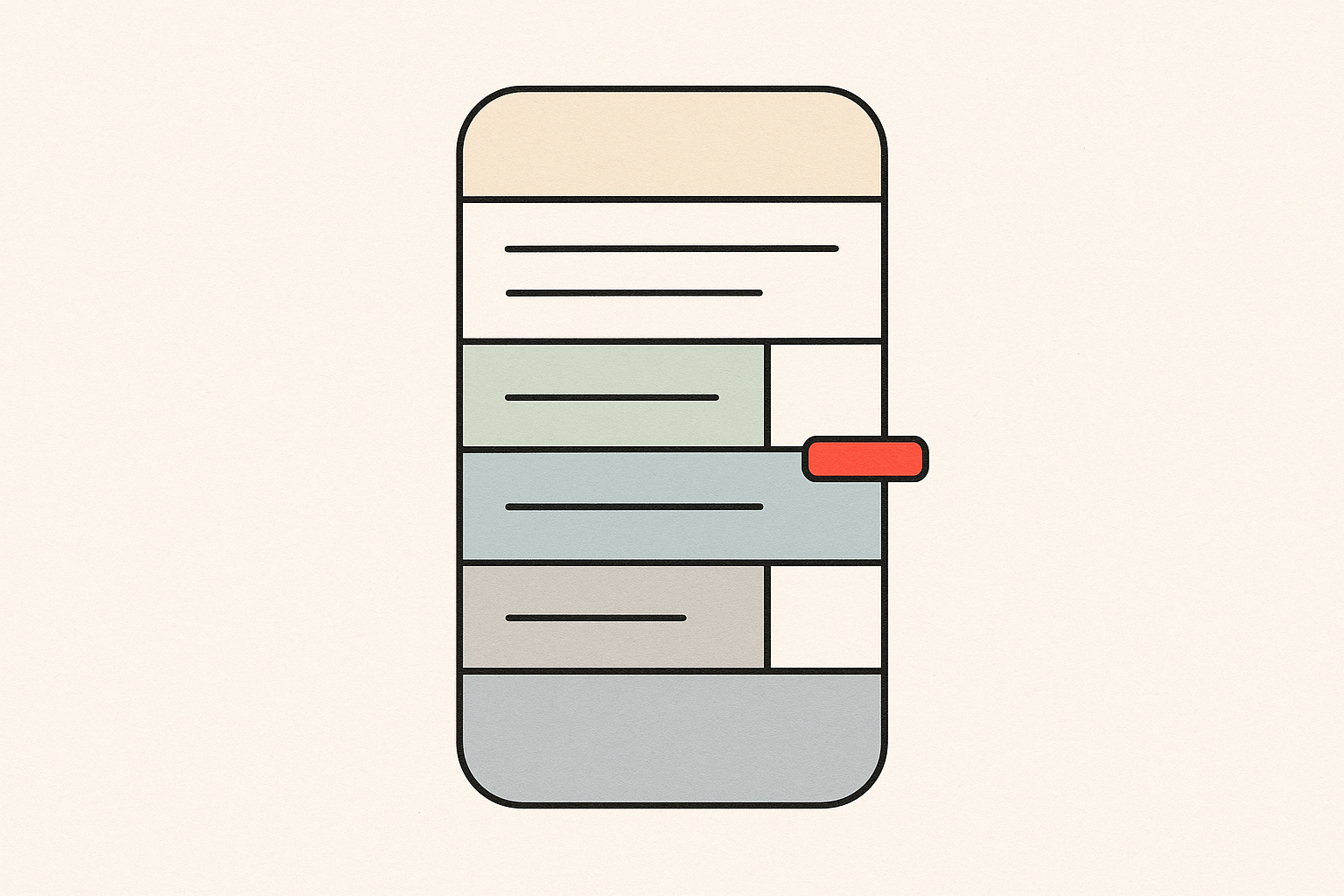
The worst case is mod_php: the attack is unauthenticated and runs before your application code gets a say. On PHP-FPM the worker still executes before your framework boots, so the same concern applies. PHP runs the parser before it runs your Laravel, WordPress or Symfony code — you don't get to opt out at the application layer.
The versions to install
Match your branch to the fixed release.
| Your branch | Install this |
|---|---|
| PHP 8.5 | 8.5.12 |
| PHP 8.4 | 8.4.27 |
| PHP 8.3 | 8.3.36 |
| PHP 8.2 | 8.2.35 |
| PHP 8.1 | No official build — see below |
| PHP 8.0 | No official build — see below |
| PHP 7.4 | No official build — see below |
How to check which version you're running
Three ways, fastest first:
- Run
php -von the server. The first line prints the version. - Your hosting panel — cPanel, Plesk and most managed hosts show the PHP version per site.
- For Docker, read the image tag.
php:8.3-fpmtells you the branch, but a floating tag likephp:8.3hides the patch level. Pin to the exact fixed tag.
A server reporting 8.3.35 or lower is vulnerable on that branch. 8.3.36 and above is fixed.
Restart the workers after updating
Installing the package is not enough. PHP workers hold the old binary in memory until they restart.
- PHP-FPM:
systemctl restart php8.3-fpm(adjust the version to yours). - Apache mod_php:
systemctl restart apache2(orhttpdon RHEL). - Containers: redeploy — restarting a process inside a running container won't load a new image.
A restart drops in-flight requests. On a small app that's a second of downtime. It's worth it.
On managed hosting, check their status page
If you pay a host — WordPress managed plans, Laravel Forge servers, shared hosts — the update may not be yours to run. Check their status page or changelog, and open a ticket if your site is still on a vulnerable version tomorrow. Some distro repositories, Remi included, won't ship the package the same day, which means servers on those repos stay exposed for days unless you act yourself.
If you can't update today: interim mitigations
These come from the official advisory. They reduce the attack surface; they are not a fix. Apply them, then schedule the real update.
- Enforce
memory_limitat the server level withphp_admin_value memory_limit 128Min the Apache or FPM config, so a per-request value can't override it. - Set
post_max_size 8M(or32Mif your app accepts uploads). Lower is better; this narrows the multipart parsing window. - Set
session.upload_progress.enabled=0. - On PHP 8.5 only: set
fatal_error_backtraces=0. - Restart all workers after changing any of these.
- Do not rely on
RLIMIT_ASas your guard — it doesn't reliably stop this path.
PHP 7.4, 8.0, 8.1: you have no package to install
These branches are past end of life, so no official build is coming. You have two options:
- Ask your host or distro to backport the source patch from the PHP security team.
- Move to 8.2+ and install the fixed release. From 7.4 or 8.0 this is a real migration, so budget for it — but start now.
The fix prompt for your coding agent
If your app runs in Docker or on a server you manage through an agent, paste this into Cursor, Claude Code or Lovable and adapt the branch:
Update our PHP image to a patched release. Our stack runs PHP 8.3, so pin
the image to php:8.3.36-fpm (or the equivalent patched tag for our distro).
Do not use a floating tag. After the change, restart the PHP-FPM or Apache
workers so the running binary matches the package, then check that `php -v`
reports 8.3.36 or higher on the 8.3 branch.
For a non-Docker server, swap the image line for "upgrade the php8.3 package and restart php8.3-fpm."
How Rustine helps
Our free quick scan reads the PHP version a site announces in its X-Powered-By header and flags versions below the fixed ones. If PHP runs but hides its version, the scan adds a note telling you to check it manually — we don't pretend to see what isn't there. Rustine does not claim to detect the flaw when the version is hidden.
Frequently asked questions
Is my site definitely compromised if I'm on a vulnerable version?
No. The flaws are real and critical, but as of October 21 there's no confirmed mass exploitation: Cloudflare reported early attacks, and CISA hasn't added either CVE to its Known Exploited Vulnerabilities catalog yet. Treat the update as urgent, not as proof you've already been hit.
Do I need to update even if my app doesn't accept file uploads?
Yes. CVE-2026-109618 is in the multipart parser, which PHP runs for any request that carries a multipart body — whether or not your app has an upload form.
I'm on shared hosting. Can I update PHP myself?
Usually not. The host controls the version. Check their status page, apply what your panel exposes (many panels let you set memory_limit and post_max_size), and open a ticket if they're slow.
What if my distro hasn't shipped the package yet?
Don't wait for the repo. Pull the fixed version from the official PHP source or packages, or apply the interim mitigations and restart workers until the package lands.
Is hiding the PHP version enough?
No. Removing X-Powered-By reduces fingerprinting but does nothing to close the flaw. An attacker doesn't need your version string to send the request.
Sources
- PHP 8.2.35, 8.3.36, 8.4.27, 8.5.12 release announcement (php.net)
- GitHub Security Advisory GHSA-w8hw-w9fx-j79w (php/php-src)
- GitHub Security Advisory GHSA-6wmf-4rv5-p3rp (php/php-src)
If you host PHP for yourself or a client, run a free scan at rustine.io to see which version your site announces — then patch it.